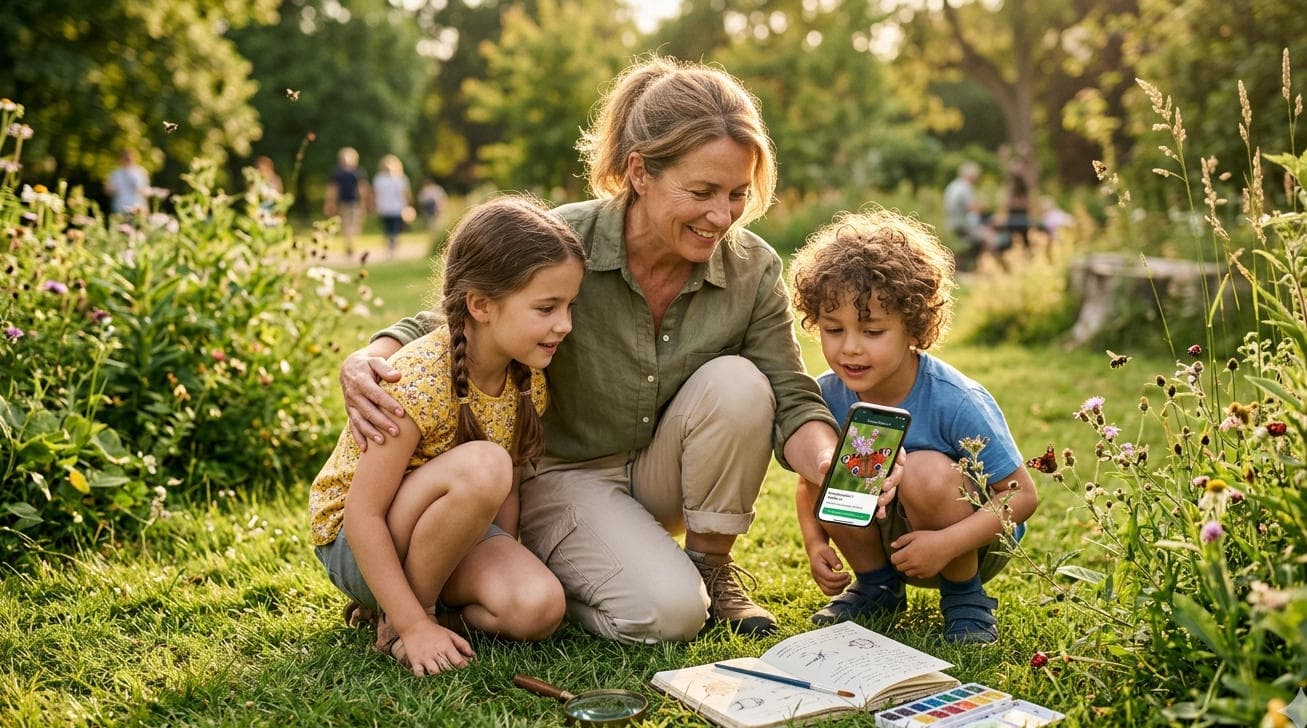
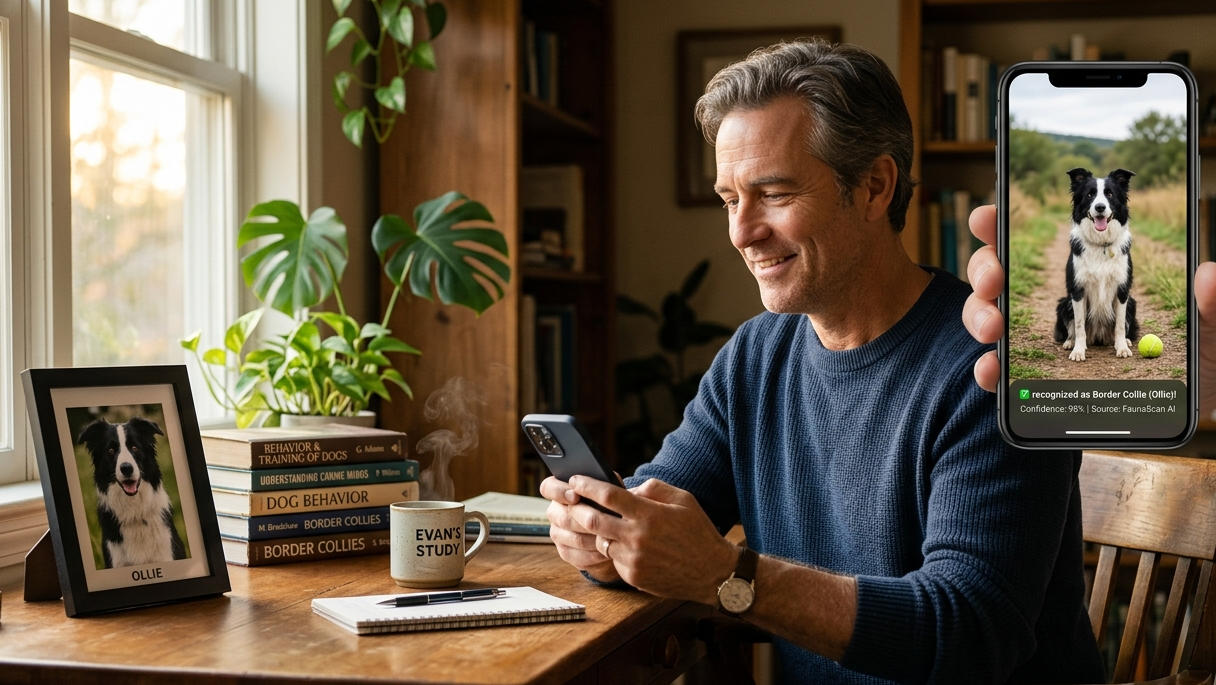
Yesterday evening, I was feeding Ollie—my Border Collie who's mischievous enough to tear up the house—in my enrichment garden, when I suddenly spotted a tiny stray cat outside the fence. Its fur was a soft blend of orange and white, curled up timidly in the grass. I quickly took out my phone to snap a picture, hoping to send it to friends in the FaunaScan community to help identify the breed. But in my haste, the photo came out a complete blur—the cat's outline was barely visible. FaunaScan AI tried three times to identify it, but each time it showed "Unable to recognize. Please upload a clear photo." In that moment, I truly understood that sense of frustration. I'm sure many animal lovers and pet owners have had the exact same experience, right?
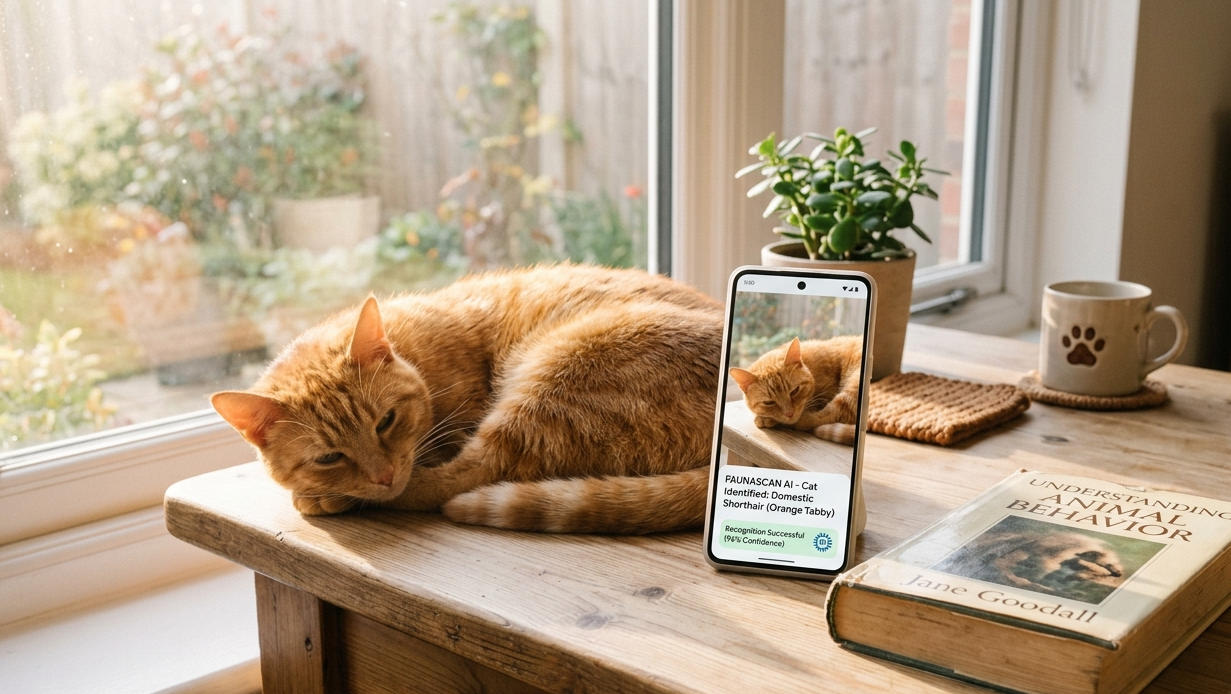
Whether it's a small creature we encounter on the roadside or our own pets darting around, we always want to capture those moments with our phones—either to preserve the memory or to use FaunaScan AI to identify their breed and understand their behavior. But ironically, the more we try to get a clear shot, the blurrier the photo turns out—either the lighting is too dark, leaving a black mass; or the animal moves too fast, leaving only a streak; or the angle isn't right, hiding all the details. In all my years as the lead mentor of the FaunaScan community, I've seen countless comments from people asking for help because their "blurry photos can't be recognized." The truth is, it's not that your phones aren't good enough, nor is it that the AI isn't precise enough—it's that we haven't found the right approach.
Honestly, when I was first testing the FaunaScan AI interface, I also hit plenty of roadblocks. To study how to improve AI recognition accuracy, I spent a whole week getting up at dawn every day to photograph my old cat Grace (sadly, she passed away last year at 16). She used to sleep all day and only got a bit active in the early morning hours. Back then, I also ended up with blurry shots—either the focus landed on her paws, or the light was too dim to capture her facial features clearly. But through trial and error, combined with my years of experience photographing animals, I developed five simple tips that anyone can learn without needing professional cameras or complex editing. Even blurry photos can be accurately recognized by AI.
The most crucial thing is making good use of natural light—please, stop shooting against the light! I used to make that mistake too, photographing birds in the woods during the brightest part of midday. The photos would either be overexposed, losing all the feather details, or backlit, turning out so dark I couldn't even make out the bird's outline. Later, I discovered that the softest light comes in the early morning or late evening—like yesterday evening when I tried to photograph that stray cat. If I had waited just ten more minutes for the light to soften, I'm sure I would've gotten a clear shot. Also, when photographing pets indoors, avoid shooting directly under artificial lights. Instead, choose a spot near the window where the light is even. That way, you can capture the pet's fur clearly without harsh shadows, and the AI can easily detect their key features.
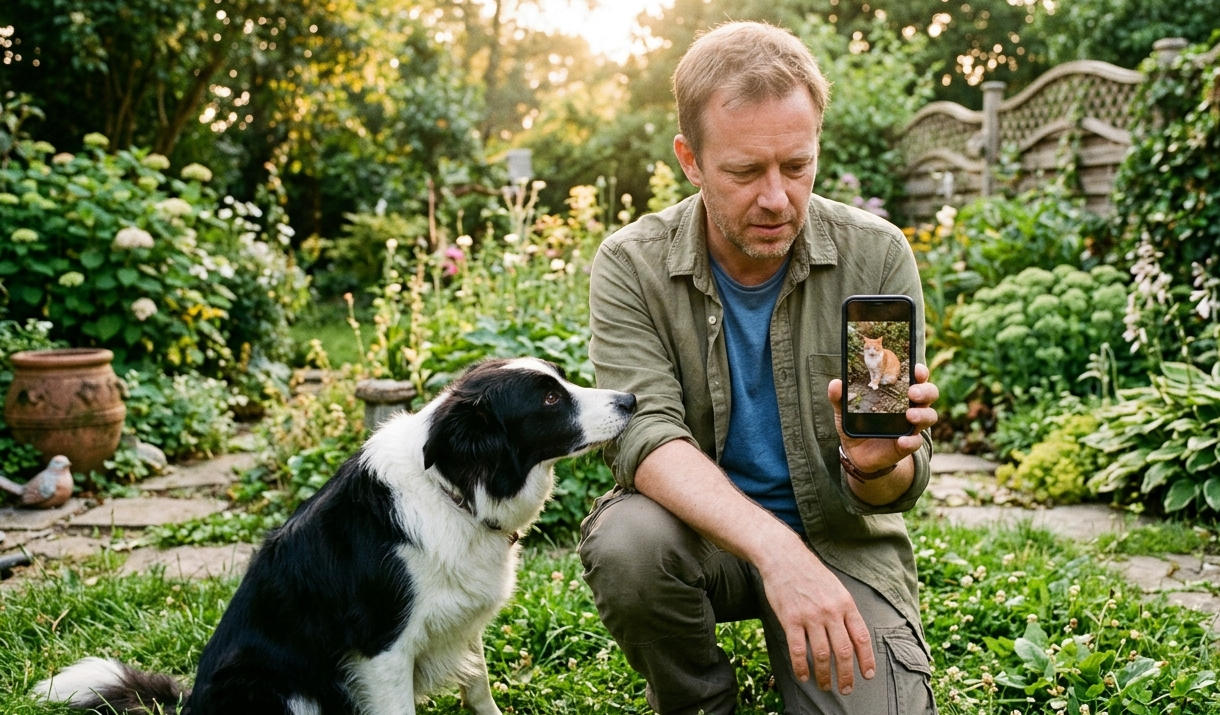
Another small detail is shooting angle—you absolutely need to shoot at eye level! I always say, "Eye level is the foundation of cross-species connection," and the same principle applies to photography. Many people photograph small animals from a standing position, looking down. The resulting photos either make the animal look tiny or distorted, with details hidden from view—how can the AI possibly recognize that? Take that stray cat, for example. If I had crouched down to her eye level and photographed her straight on, I could've captured her face clearly. Even if she moved slightly, the photo wouldn't have blurred too badly. The same goes for photographing small pets like hamsters or parrots—crouch down to their level, shoot from eye level, avoid obstructions, and the AI can better identify their breed characteristics.
Oh, and there's also shooting distance—neither too far nor too close! If you're too far away, the animal takes up only a tiny portion of the photo, making details impossible to see. The AI can't even grasp the animal's outline. If you're too close, your phone's autofocus can't keep up, especially if the animal moves even slightly, resulting in blur. For small animals like that stray cat, I typically keep a distance of 30 to 50 centimeters. For larger dogs like Ollie, I stay about 1 to 2 meters away. Photos taken at these distances show clear details without blur caused by distance issues, and the AI's recognition accuracy improves by more than half.
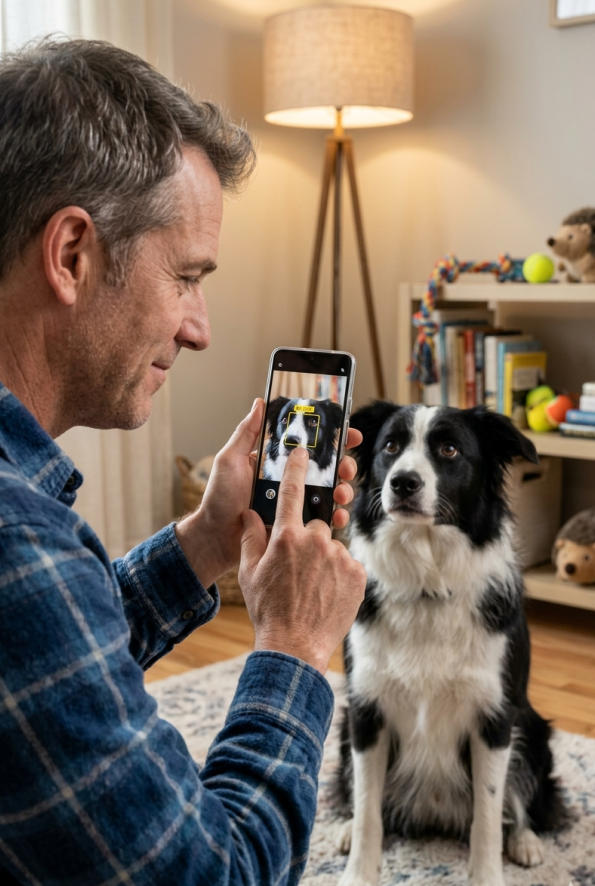
There's also an incredibly useful tip: lock your focus! Has this ever happened to you? You focus on the animal, but the moment you press the shutter, it moves, and the photo turns out blurry. That's exactly how Ollie is—every time I try to take a front-facing photo of him, he either suddenly shakes his head or runs off. Eight out of ten shots end up blurry. Then I discovered that phones have a focus-lock feature. First, point at Ollie's face to focus, then long-press the screen to lock it. Only then do I press the shutter. Even if he moves slightly, the photo stays clear. Also, when photographing active pets, you can increase the shutter speed a bit. This reduces blur caused by hand movement or animal motion—a small trick that works every time.
If you do end up with a blurry photo, don't rush to delete it! I used to delete blurry photos immediately, but later I discovered that using the built-in editing features on your phone to slightly adjust sharpness, brightness, and contrast can bring out some of the lost details, making it easier for AI to recognize. However, be careful not to overdo it, or the photo will become distorted, which actually hurts AI recognition. Just a slight adjustment—enough to make the animal's outline and key details visible—is sufficient.
I remember a FaunaScan community user named Lena. She's a stray animal rescuer who often photographs stray animals, hoping to identify their breeds through AI to facilitate rescue efforts. But her photos were always blurry, and the AI couldn't recognize them. She felt so frustrated that she even thought about giving up. Later, she came across the tips I'd shared and tried following them. The results were amazing—her photos became clear, and the AI recognition accuracy improved dramatically. Now she often shares her photos of stray animals in the community, helping more strays find suitable homes.
The truth is, we never photograph animals to achieve professional perfection. We do it to preserve those warm moments and to better understand the small creatures around us. Just like when I photograph Ollie, or Grace, or stray cats by the roadside—every photo is a precious memory. And these simple photography tips are just small tools to help us hold onto those memories.
I always say—and many of you have probably heard me say this—even if today the animal just looks at you a moment longer without running away, that's still a victory. The same goes for photography. Even if you learn just one small tip today, even if you manage to take just one clear animal photo, that's still a victory. You don't need to chase perfection, you don't need professional expertise—just photograph with your heart, and every photo will carry its own meaning.
Have you ever encountered blurry photos that the AI couldn't recognize when photographing animals? Have you discovered any tips of your own? Feel free to share them in the comments—let's learn together and unlock even more fun with FaunaScan AI recognition. After all, loving them begins with understanding their silence; documenting them begins with capturing a clear photo—don't you agree?